
Circle
since version 2.3.42
Create a circle or ellipse.
Child elements
(none)
Parent elements
Clip, Frame, Overlay, PlaceObject, Position, Transformation
Attributes
background-color(text, optional, CSS property: background-color)-
Color of the circle.
class(text, optional)-
CSS class for the circle.
framecolor(text, optional, CSS property: color)-
Color of the circle line.
id(text, optional)-
CSS id for this circle.
radiusx(number or length)-
Radius of the circle in grid cells (horizontal) or as an absolute length. Use with
radiusyto create an ellipse. radiusy(number or length, optional)-
Radius of the ellipse in grid cells (vertical) or as an absolute length.
rulewidth(length, optional)-
The thickness of the border that is drawn around the object.
Example
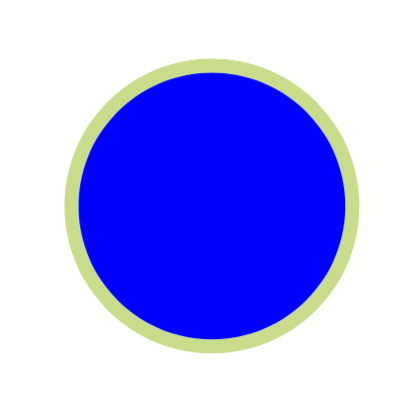
<DefineColor name="mygreen" model="cmyk" c="22" m="0" y="55" k="0"/>
<PlaceObject row="5" column="5" >
    <Circle radiusx="10mm" background-color="blue" framecolor="mygreen" rulewidth="1mm"/>
</PlaceObject>
looks like
See also
The section about <Circle> in the basics chapter.